Building Your First Augmented Reality Game
19 May 2026
Have you ever imagined casting spells in your living room or battling aliens in your backyard? That’s the magic of Augmented Reality (AR) — and yes, you can totally build that yourself. If you’re pumped about gaming and curious about diving into the world of AR, you’re in for a wild ride. Creating your first AR game might seem like rocket science, but trust me, it’s way more fun (and doable) than you think.
In this guide, we’re going to break down how to start building your own AR game — from the ground up, no fancy jargon, just straight talk. Whether you’re a budding developer or just a passionate gamer with a dream, let’s turn that idea into something real… augmented real.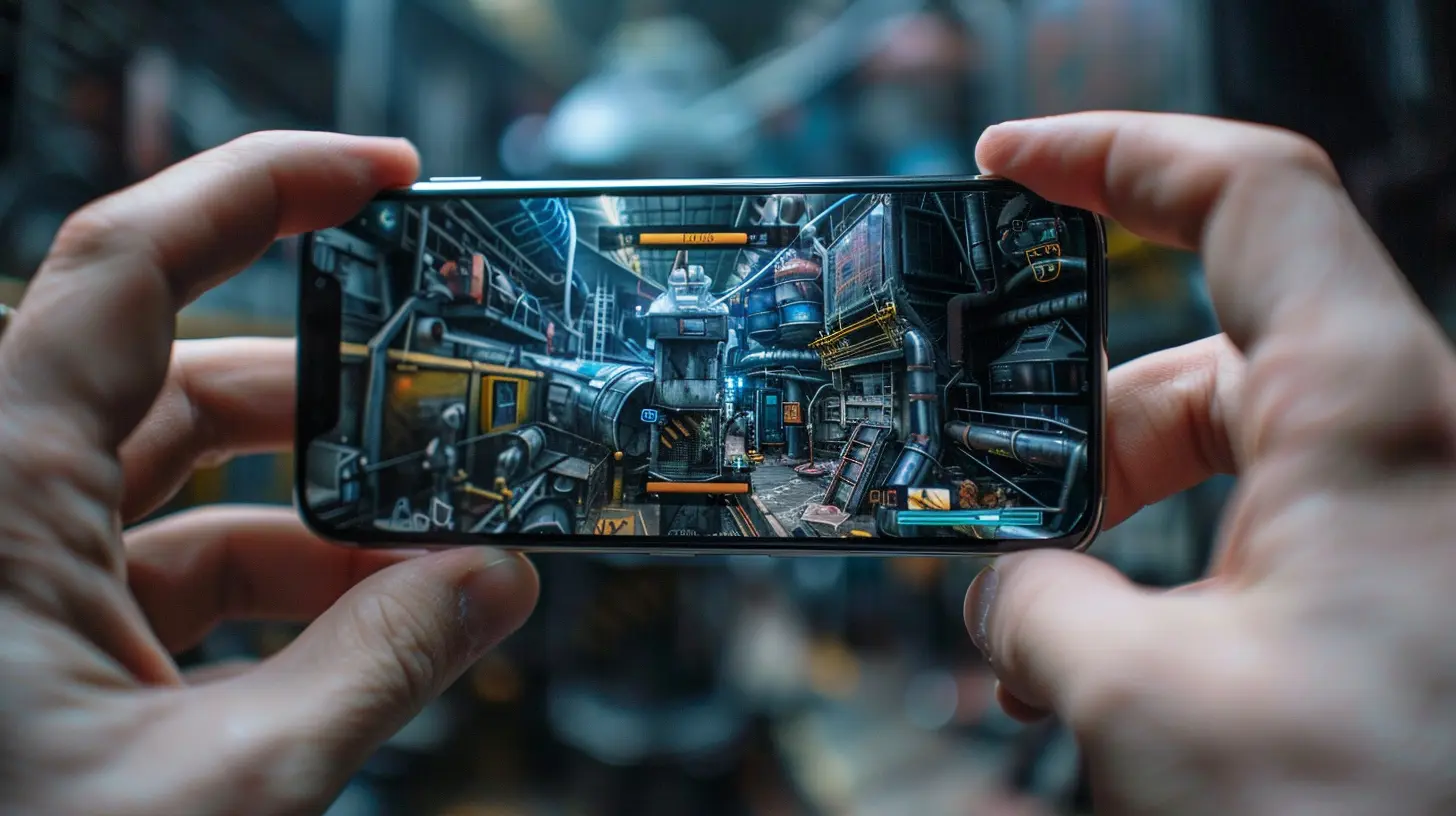
? What is Augmented Reality in Gaming?
Before we roll up our sleeves, let’s quickly go over what AR actually is — and no, it’s not the same as VR.Augmented Reality layers digital elements (like 3D characters, explosions, game items) over your real-world environment using your smartphone, tablet, or AR headset. Think of Pokémon GO — remember running around your neighborhood catching Pikachu in your backyard? That’s AR doing its thing.
It blends reality with virtual content in a way that feels immersive but still keeps you grounded in the real world. And the best part? You don’t need to be a Silicon Valley genius to create one.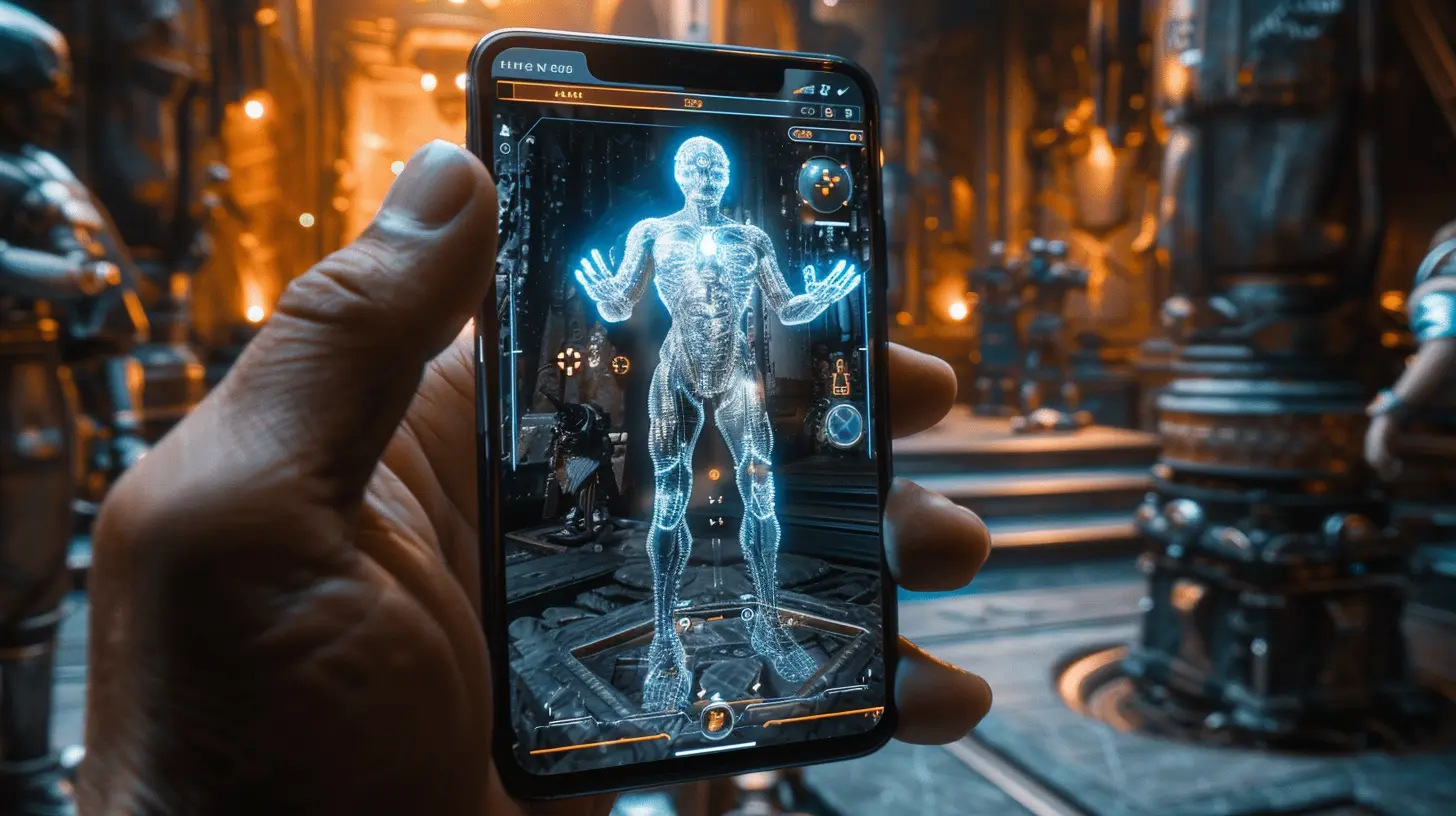
? Why Build an Augmented Reality Game?
Why not just stick to regular mobile games? Good question.Here’s the deal — AR games are breaking the mold. They’re fresh, innovative, and let players interact with the game in a completely new way. You're not just playing on a screen — you're playing in your world.
Still need convincing? Here are a few solid reasons to build your AR game:
- High engagement: Players stay longer and come back more often.
- Unique gameplay: No two AR games are the same.
- Massive potential: The market is growing fast — and it’s still early days.
- It’s just plain cool: Seriously, it’s like giving life to your imagination.
? Tools & Tech: What You Need to Get Started
Here’s where the rubber meets the road. Let’s talk tools. Don’t worry, you don’t need a supercomputer or a PhD to get going. Here’s what you’ll need:1. Unity
Unity is your best friend here. It’s a game engine that makes it ridiculously easy to build both 2D and 3D games. Even better? It supports AR development out of the box and has tons of tutorials for beginners.2. AR Foundation
This is Unity’s official AR development framework. It lets you build once and deploy across multiple platforms like Android (ARCore) and iOS (ARKit). Think of it as the universal translator between your game and your players’ devices.3. Vuforia or ARKit/ARCore
These are AR SDKs (Software Development Kits) that help your game recognize real-world objects and surfaces. Vuforia is powerful and works across both iOS and Android, whereas ARKit and ARCore are more native and optimized for their respective ecosystems.4. 3D Models and Assets
Unless you're an artist, you’ll need some ready-made assets. Check out sites like:- Unity Asset Store
- Sketchfab
- TurboSquid
Many offer free and paid assets to spice up your game.
? Planning Your AR Game: Getting the Idea Right
Okay, tools are ready. What now?This is where creativity kicks in. You’ve got to come up with a concept that makes sense in the real world. Unlike traditional games, AR games need to live in your physical environment.
Ask yourself:
- Will players be indoors or outdoors?
- Do they need to walk, look around, or use hand gestures?
- Is your game location-based (like a treasure hunt)?
- Are there physical objects involved?
Start with a simple idea. Maybe a virtual pet that hangs out on your couch. Or a puzzle game where you rotate your phone to unlock secret clues in your room.
? Step-by-Step: Building Your First AR Game
Let’s put it all together. Here’s a straightforward roadmap to actually make your game come alive.Step 1: Create a Unity Project
Download Unity and create a new project. Choose the 3D template and name it something cool — you’re a game dev now!Step 2: Import AR Foundation
Go to Package Manager in Unity and import AR Foundation and ARKit/ARCore depending on your target devices.Step 3: Set Up AR Session
Create the following:- AR Session — Think of it like the brain of your AR game.
- AR Session Origin — This handles the position and orientation of AR objects.
Add an AR Camera to give the player a window into your game world.
Step 4: Add an AR Object
Start small. Choose a 3D object (like a cube or character) and set it to appear when the camera detects a surface. You can use plane detection to place it on a table, floor, or wall.Step 5: Make It Interactive
Want the user to tap your character to make it jump? No problem!Script basic player interaction using C#. Here’s a taste:
csharp
void Update() {
   if (Input.touchCount > 0) {
       Touch touch = Input.GetTouch(0);
       Ray ray = Camera.main.ScreenPointToRay(touch.position);
       RaycastHit hit;       if (Physics.Raycast(ray, out hit)) {
           if (hit.transform.name == "MyARObject") {
               // Do something cool
               Jump();
           }
       }
   }
}
Step 6: Build and Test
Now it’s time to deploy it to your phone and test. Be prepared to debug — a lot. But that’s all part of the fun.? AR Game Ideas for Beginners
Feeling stuck for inspiration? Here are some beginner-friendly AR game concepts:? AR Scavenger Hunt
Hide virtual items around your house or neighborhood and make the player find them using clues.?♂️ Zombie Survival
Place zombies around your area, and the player has to physically dodge or shoot them by aiming their phone.? AR Pet Simulator
Let players grow, feed, and play with a pet that lives in their real-world environment.? Puzzle Box
A mystery game where players must rotate and analyze a floating 3D box to solve clues.? Common Mistakes and How to Avoid Them
Let’s be real — you’re probably not going to get everything perfect on your first go. That’s fine! But here are some rookie mistakes you can dodge:- Overcomplicating things: Start small. Don’t jump into multiplayer, GPS tracking, or AI enemies right off the bat.
- Forgettable user experience: Make sure your interaction makes sense. Tap-to-shoot? Swipe to move? Keep it intuitive.
- Lack of testing: AR behaves differently in every space. Test it in multiple environments.
- Ignoring battery life: AR eats battery. Optimize your game to avoid draining your player’s phone in 5 minutes.
? Tips for Creating a Great AR Game
Wanna make your game stand out? Here’s what works:- ✅ Keep it simple and addictive
- ✅ Use sound and haptics to enhance immersion
- ✅ Keep onboarding short and sweet
- ✅ Reward the player early and often
- ✅ Design for accessibility (good lighting, easy UI, etc.)
✅ Publishing Your AR Game
Once you’re proud of your creation, you’ll want to share it with the world. Here’s how:1. Build for Android/iOS: Unity makes it easy. You'll need to set up SDKs and developer accounts.
2. Test on multiple devices: Your game might work on your device but glitch on others.
3. Submit to Google Play / App Store: This takes a bit of time and patience, but it’s super rewarding.
4. Market your game: Show it off on social media, Reddit, or gaming forums.
? What's Next? Leveling Up
Building your first AR game is just the beginning. Once you’ve nailed down the basics, you can level up with:- Multiplayer support
- Voice and gesture controls
- Real-world environment mapping
- Wearable support (like HoloLens or Magic Leap)
The sky isn’t the limit… because AR lets you go beyond it.
? Final Thoughts
Building your first augmented reality game is a journey — one filled with trial, error, and a ton of “wow, that actually works!” moments. The coolest part? You don’t need to be a tech wizard to dive in.If you’ve ever dreamed of turning your surroundings into a playable level, now’s your chance. Grab Unity, fire up your imagination, and start building the next AR hit sitting in your pocket.
You’re not just a game developer now. You’re a world builder. So what are you waiting for?
all images in this post were generated using AI tools
Category:
Augmented Reality GamesAuthor:

Jack McKinstry
Discussion
rate this article
2 comments
Mary Adkins
Creating an augmented reality game for the first time is both exciting and challenging. It's crucial to focus on user experience and seamless integration of digital elements into the real world. The balance between gameplay mechanics and AR technology will ultimately determine the game's success.
July 30, 2026 at 4:58 AM
Jack McKinstry
Absolutely, the user experience is key in AR. Getting the balance right can really elevate the game and make it memorable. Excited to see what you create!
Solaria McGhee
Building an augmented reality game can be an exciting challenge. Focus on a simple concept for your first project, experiment with user interactions, and remember to gather feedback. Keep iterating, and you'll see your ideas come to life. Good luck!
May 22, 2026 at 4:14 PM
Jack McKinstry
Thanks for the encouragement! I appreciate the tips on keeping it simple and focusing on user feedback. Excited to get started!