How to Make In-Game Tutorials That Don’t Feel Like Work
15 December 2025
Let’s face it—most in-game tutorials feel like a chore. You boot up a new game, all pumped to explore and have fun, only to be bombarded with blocks of text or forced to go through never-ending step-by-step hand-holding. It’s like getting invited to a party and then being asked to clean the dishes. Not cool.
But here’s the good news: It doesn’t have to be that way.
If you’re a game developer, writer, or designer, you know how important that first impression is. Done right, an in-game tutorial can hook players, make them feel like total badasses, and teach them everything they need to know—without them even realizing they’re being taught.
So, how do you do that? How do you create in-game tutorials that feel like part of the game instead of a boring task list?
Let’s dive into some friendly, game-loving, real-talk strategies for crafting tutorials that feel fun, frictionless, and maybe even... a little magical.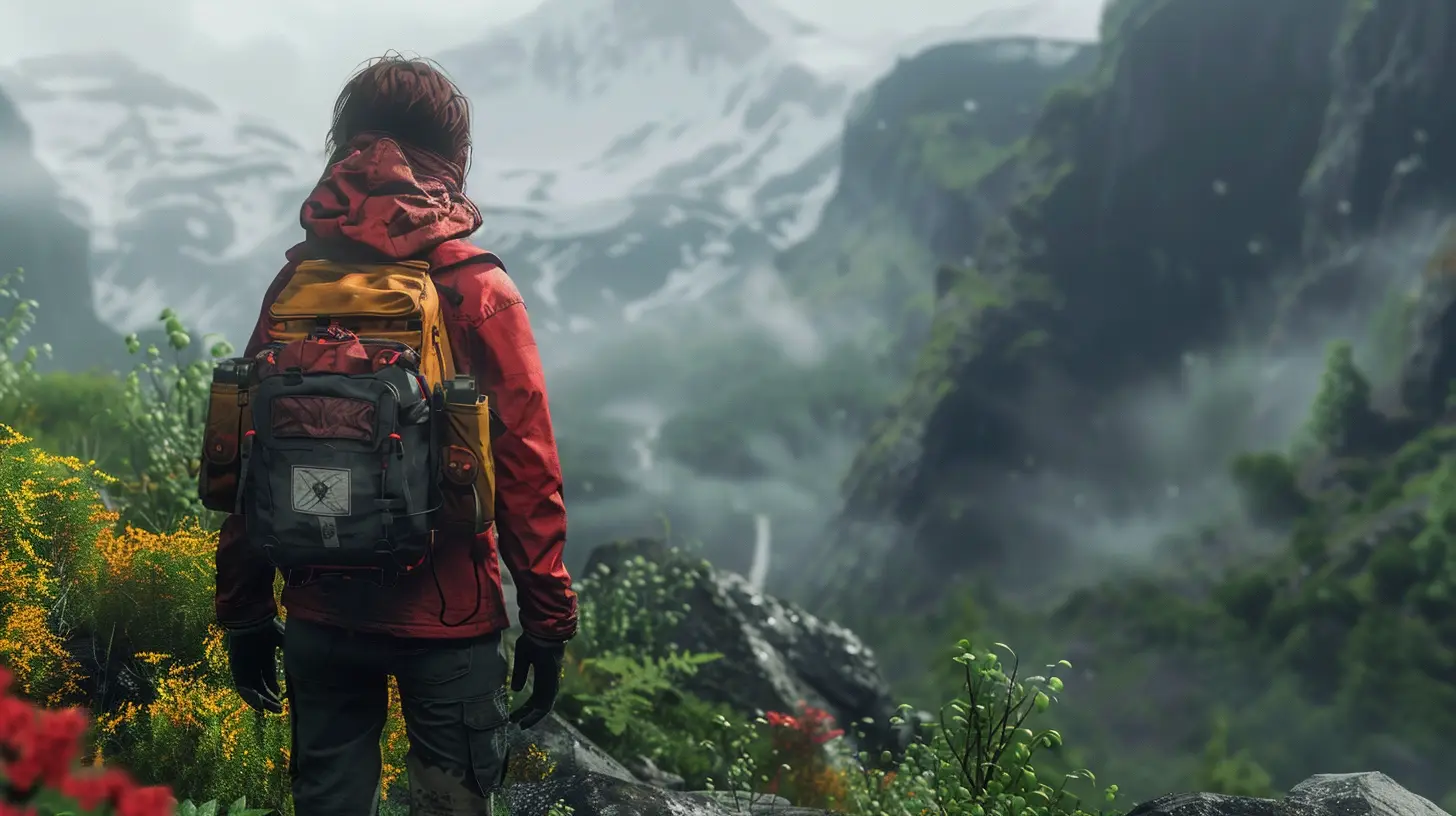
Why Most Tutorials Feel Like a Job
Before we fix the problem, let’s understand it.A lot of tutorials come across as dull because they treat players like they’ve never held a controller in their life. It’s all, “Press W to move forward,” “Click to jump,” “Look around using the mouse.” And sure, maybe you need to cover the basics. But the issue isn’t what you're teaching—it’s how you’re teaching it.
When tutorials are too rigid, repetitive, or overly text-heavy, they break immersion. They make players feel like students in a classroom when they just want to slay dragons, build empires, or fly through space.
The goal? Teach without teaching. Make learning feel like playing.
Tip #1: Show, Don’t Tell
Ever heard the phrase "actions speak louder than words"? In games, this couldn’t be more true.Instead of dumping info in text boxes, let the player experience the lesson.
Example: Want to teach the player that fire damages them? Place a small patch of fire in a safe area early on. Let them walk into it (maybe with a gentle warning after), and boom—they’ve just learned something the natural way.
When players discover things for themselves, they remember them better. It’s like how you never forget the first time you accidentally touched a hot pan. Painful? Maybe. Effective? Absolutely.
Tip #2: Let the World Teach
Why rely on pop-ups when your game world can do the heavy lifting?Games like Dark Souls use environmental storytelling to guide players. The placement of enemies, loot, and even the shape of the level teaches players how to navigate and survive without saying a word. That’s powerful design.
Create situations where the player is nudged (not shoved) toward the right action. Maybe a collapsed bridge teaches them how to jump. Maybe a locked door encourages them to experiment with inventory or backtracking.
Use visual cues, audio hints, lighting, and even terrain design to guide learning. Don’t just tell them—show them. Nudge them. Let them figure it out.
Tip #3: Start With Context, Not Controls
Here’s something a lot of developers forget: players don’t care about buttons—they care about purpose. Instead of starting with, “Press X to attack,” give them a reason to attack.Throw them into a quick scenario—a mini-battle, a sudden enemy ambush, or a desperate race to safety. Then prompt the action they need to survive. This way, the player learns in context, not in a vacuum.
Training wheels are important, sure. But would you rather learn to swim by reading a manual or by getting gently pushed into the shallow end with a floaty?
Exactly.
Tip #4: Keep It Short and Sweet
Nobody wants a 15-minute tutorial. Honestly, most players want to skip it entirely.So respect their time.
Stick to the essentials. Teach one mechanic at a time. And don’t overload. Keep instructions snappy, relevant, and spaced out over time instead of throwing everything at them all at once.
Better yet, give players the option to skip or revisit tutorials later. Some players are seasoned pros; others need more guidance. Cater to both.
Think of your tutorial like seasoning on food—just enough to bring out the flavor, never so much that it drowns the dish.
Tip #5: Make Failure Fun
Here’s a radical idea: let the player mess up. Not only is it okay—it’s a powerful teaching tool.When players fail, they learn. As long as the stakes aren’t punishing, a little failure can actually enhance the experience.
Think about Portal or Celeste. These games cleverly turn trial and error into a fun loop. You try, you fail, you try again—and you get better. It’s almost addictive.
So if a player misses a jump or uses the wrong spell, let them learn from it. Then reward them when they get it right. The joy of mastery is way more satisfying when it’s earned.
Tip #6: Integrate Tutorials Into the Story
If you can wrap your tutorial inside the narrative, you’re golden.Let the player learn about the game while also getting immersed in the story. Maybe the main character is also learning the ropes. Maybe the tutorial takes place in a memory, a training simulation, or as part of the world’s lore.
A well-done story-driven tutorial gives players both knowledge and emotional investment. It’s like tricking someone into eating veggies by hiding them in a delicious smoothie.
A win-win.
Tip #7: Give Feedback (The Good Kind)
Feedback is how players know they did something right—or wrong. And good feedback feels amazing.Show visual cues, play satisfying sounds, or use controller vibration to reinforce success. When you nail a headshot or solve a puzzle, the game should celebrate it.
It’s like getting a high-five from the game. And who doesn’t love a good high-five?
Similarly, if a player’s off-track, gently guide them. Not with a flashing red “YOU FAILED” sign, but with encouraging nudges. Think of yourself as a helpful co-op partner, not a judgmental teacher.
Tip #8: Use Humor to Your Advantage
Humor makes everything better—even tutorials.If your game’s tone allows it, throw in a few jokes or tongue-in-cheek comments. Games like The Stanley Parable or Portal make tutorials hilarious, which makes players more engaged—and more likely to remember what they’re being taught.
Humor also lowers the pressure. When players laugh, they relax. And relaxed players are curious, open to exploration, and ready to learn.
So don’t be afraid to crack a joke or two. Just keep it light, clever, and in tune with your game’s vibe.
Tip #9: Make It Optional—but Rewarding
The best tutorials are the ones that reward curiosity.You don’t always need to make tutorials mandatory. Instead, offer optional training grounds, hidden tips, or mini-challenges that players can choose to explore.
The trick? Make them worth it.
Give players XP, new gear, cool story content, or achievements for going the extra mile. When players feel like they’re discovering secrets instead of doing homework, they’re more likely to engage.
It’s the difference between being forced to study and stumbling upon treasure.
Tip #10: Test It With Real People
Seriously—this is one of the most important steps.Test your tutorial with actual players. Watch them play. Notice where they get stuck, where they get bored, and where they light up with understanding. You'll learn more from one session of watching a newbie play your game than you will from a stack of design docs.
Remember: what makes sense to you might totally confuse someone else. And the only way to know is to watch how real players interact with your game.
Then tweak, refine, and polish until your tutorial feels like an adventure—not a lecture.
Let Players Feel Smart, Not Schooled
At the end of the day, your tutorial sets the tone for your entire game. It’s your welcome mat, your handshake, your first impression.Make it count.
Use it to invite players into your world. Teach through experience, not exposition. Build trust, spark curiosity, and let them feel like heroes from the very first click.
Because when a tutorial feels like play, not work—players don’t just stick around. They fall in love.
Final Thoughts: Teaching Without Tiring
Creating an engaging in-game tutorial is more art than science. Sure, there are best practices, but it all comes down to one thing: how it feels to play.If your tutorial feels like part of the game, flows naturally, and respects the player’s intelligence—you’ve nailed it.
So next time you're designing that first five minutes of gameplay, ask yourself: “Am I helping players play, or am I making them work?”
Choose the fun path. Players will thank you for it.
all images in this post were generated using AI tools
Category:
Game Content CreationAuthor:

Jack McKinstry
Discussion
rate this article
2 comments
Kaitlyn McGonagle
Creating engaging tutorials is essential for player enjoyment. Let’s prioritize fun and guidance, ensuring everyone feels empowered and excited to play!
January 10, 2026 at 5:37 PM
Jack McKinstry
Absolutely! Engaging tutorials should enhance enjoyment and empower players, making the learning process fun and seamless.
Ryder Rivera
Great insights! Engaging tutorials enhance the gaming experience. Can't wait to implement these ideas!
December 18, 2025 at 3:35 AM
Jack McKinstry
Thank you! I'm glad you found the insights helpful—happy gaming!