Gaming Without a Console Using Streaming Subscription Services
25 April 2026
Let’s be honest—gaming has come a long way. Remember the days when owning a beefy console or a high-end PC was the only way to truly enjoy modern games? Well, those days are fading. Welcome to the era of cloud gaming, where you don’t need a console to be immersed in the gaming universe. All you need is a decent internet connection and a subscription to a streaming service. Sounds too good to be true? Let’s dive into the pixel-packed reality of gaming without a console using streaming subscription services.
What Is Cloud Gaming?
Alright, let’s break this down. Cloud gaming, also known as game streaming, is basically Netflix for games. Instead of buying a game and downloading it onto your hardware like a console or PC, cloud gaming lets you stream the game directly from a server. The heavy lifting—graphics processing, rendering, and all that jazz—happens on powerful remote servers. You’re just watching and interacting with the final output on your device.That means you can play AAA titles on a potato laptop, tablet, or even your phone. Wild, right?
Why Go Console-Free?
You're probably thinking, “Why would I want to ditch my console?” Well, there are actually some solid reasons why console-free gaming might be your next best move.1. No Upfront Cost for Hardware
Consoles can be pricey. Shelling out $500 or more just to access new-gen games may not be feasible for everyone. With cloud gaming, there's no need to drop a small fortune on a PlayStation, Xbox, or gaming PC. Most services only ask for a monthly subscription fee, and you're good to play on devices you probably already own.2. Play Anywhere, Anytime
Whether you're lounging on the couch, commuting on a train, or stuck at your in-laws' house (yikes), cloud gaming lets you game literally anywhere. Many platforms support cross-device play, so you can start a game on your TV, continue it on your phone, and finish it on your laptop.3. Instant Access to Games
Waiting hours for a game to download and then another hour for it to update? Yeah, that’s a buzzkill. With streaming, the game is already running on the server, so you can get straight into the action.4. No Maintenance Drama
No firmware updates. No storage limits. No overheating consoles or noisy fans that sound like jet engines. Cloud games run on someone else’s machine, so you just sit back and enjoy the ride.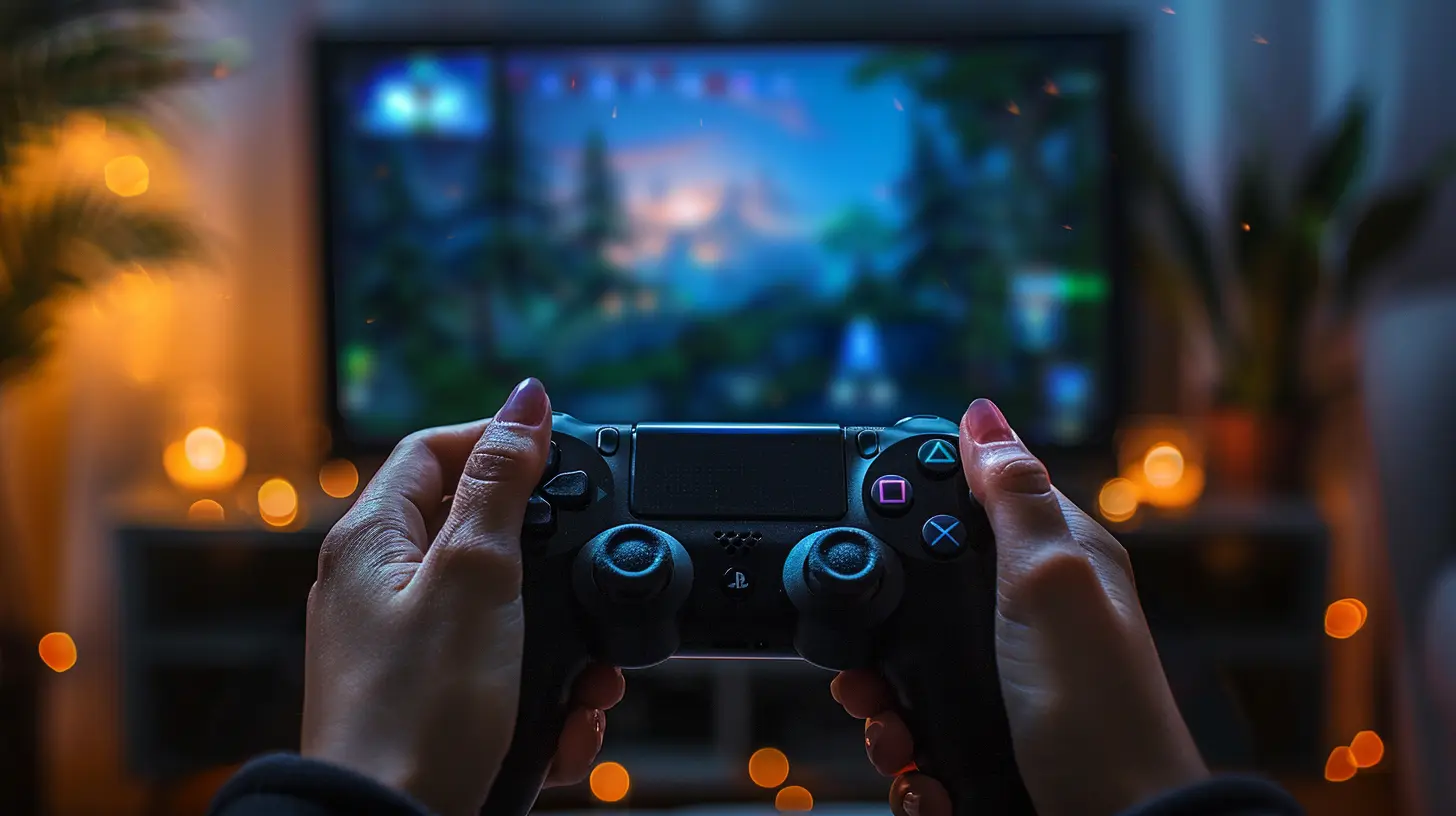
Leading Streaming Subscription Services
Let’s take a look at the big names in the cloud gaming space. Each offers something a little different, but they all aim to cut the console out of the equation.Xbox Game Pass Ultimate (Cloud Gaming with Game Pass)
Microsoft’s Xbox Game Pass Ultimate is easily one of the top dogs in this arena. The cloud gaming service—formerly known as xCloud—is included in the subscription and lets you stream over 100 games right to your device.Pros:
- Massive library of Xbox Game Studios titles
- Day-one access to new games
- Cross-platform play with Xbox and PC
Cons:
- Performance can vary on mobile networks
- Some games have on-screen controls that take getting used to
NVIDIA GeForce NOW
GeForce NOW is a bit different—it doesn’t sell games. Instead, it lets you stream games you already own from platforms like Steam, Epic Games Store, and Ubisoft Connect.Pros:
- Supports a wide range of existing game libraries
- High-performance servers with RTX ON for ray tracing
- Free tier available (with session limitations)
Cons:
- Requires you to buy games separately
- Wait queues for free-tier users can be long
PlayStation Plus Premium (Cloud Streaming)
Sony entered the cloud scene through PlayStation Now, but it’s now bundled into PlayStation Plus Premium. You can stream a large catalog of PS2, PS3, PS4, and PS5 titles straight from the cloud.Pros:
- Access to classic and modern PlayStation titles
- PlayStation exclusives available
- Compatible with PC via the official app
Cons:
- Not available in all regions
- Limited feature set compared to Game Pass
Amazon Luna
Amazon’s Luna is a new player but has been gaining ground due to its simplicity and integration with Twitch.Pros:
- Affordable monthly channels (Ubisoft+, Retro Channel, etc.)
- Seamless Twitch integration
- Works well with Amazon Fire TV
Cons:
- Smaller game selection
- Still maturing in terms of features
Google Stadia (RIP but worth mentioning)
Okay, so Stadia has officially gone the way of the dodo. But it deserves a shout-out for being one of the few services that pushed cloud gaming into mainstream conversation. Google’s tech was slick, but the business model didn’t quite click with gamers.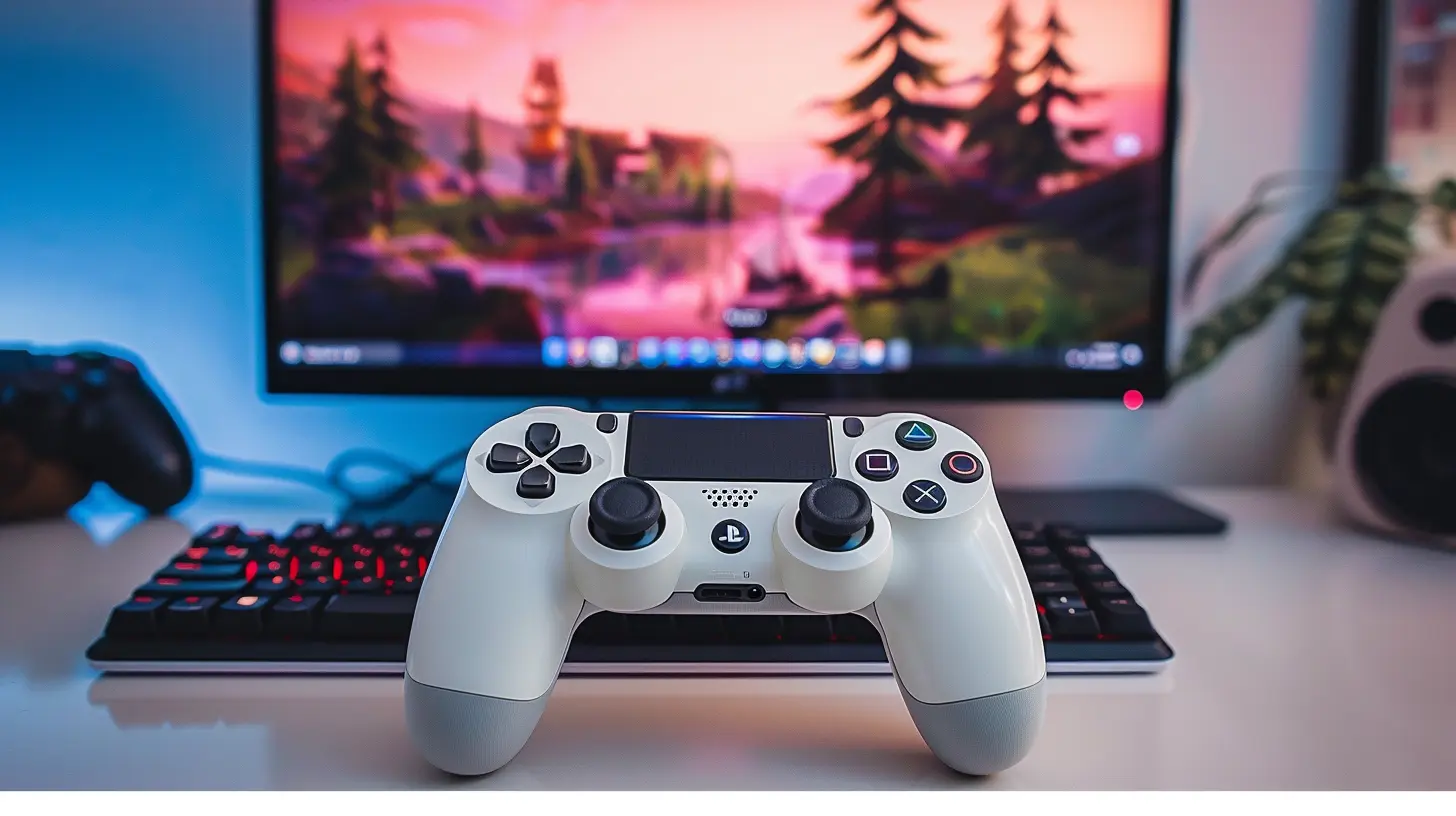
Devices You Can Use Without a Console
One of the coolest parts about streaming subscription services is how versatile they are. You’re not limited to traditional gaming hardware.- Smartphones & Tablets: With a game controller and a fast connection, your phone becomes a mini console.
- Smart TVs: Services like Xbox Cloud Gaming and Amazon Luna work directly with modern TVs.
- Laptops & PCs: If it has a browser, it can probably stream games.
- Chromebooks: Lightweight, cheap, and game-ready—yes, seriously.
- Portable Handhelds: Devices like Logitech G Cloud or even the Steam Deck (with some tweaks) can stream games from the cloud.
What Do You Need to Get Started?
Alright, before you jump headfirst into lag-free gaming nirvana, let’s cover what you actually need.A Solid Internet Connection
This is non-negotiable. Cloud gaming demands stable, fast internet. Ideally, you want:- At least 15 Mbps for 720p, 25 Mbps or more for 1080p
- A wired Ethernet connection or 5 GHz WiFi
- Low latency (under 50ms is great)
A Compatible Controller
Streaming services often support a variety of controllers:- Xbox or PlayStation wireless controllers
- Third-party Bluetooth options
- Touch controls (though they’re not for everyone)
A Subscription Plan
Whether you're hopping on Xbox Game Pass, GeForce NOW, or Luna, you’ll need to pick a plan that suits your gaming habits and budget.
Downsides to Consider
As much as cloud gaming is exciting, it's not all sunshine and rainbow road tracks. There are a few bumps you might hit along the way.Latency and Lag
Even the best tech can’t beat the laws of physics. If your connection isn't up to snuff, expect input lag, stuttering, and dropped frames.Game Ownership Confusion
Some services let you play only what’s in their library, while others (like GeForce NOW) require you to buy your games elsewhere. It can get a little confusing.Limited Offline Play
Unlike downloaded games, you can’t play streamed games offline. If your internet goes out, so does your access to your game.The Future of Console-Free Gaming
Here’s the real kicker: Cloud gaming is only going to get better. As technology improves, internet speeds climb, and 5G becomes mainstream, the dream of gaming on any screen, anywhere, will be a reality for more people.Platforms will continue refining their services, maybe even merging streaming with VR and AR experiences. Who knows? Ten years from now, we might all be gaming on holographic displays powered by cloud AI.
Should You Make the Switch?
So is it time to say goodbye to your console? It depends.If you love physical disks, offline play, or squeezing every pixel out of your 4K TV with native graphics—maybe not yet. But if you’re tired of hardware upgrades, want to save money, or crave flexibility, then streaming subscription services could totally change how you game.
Honestly, try it for a month. Worst case? You cancel. Best case? You find a new way to play that fits your lifestyle better than lugging around a console.
Wrapping It Up
Gaming is evolving, and you don’t need to be chained to a console to keep up. With streaming subscription services, you're free to game whenever, wherever, and however you want. Whether you're a casual player or a hardcore gamer, the future of gaming is just a click—not a console—away.So grab your controller, pick your subscription, and start gaming on your terms.
all images in this post were generated using AI tools
Category:
Gaming SubscriptionsAuthor:

Jack McKinstry
Discussion
rate this article
2 comments
Sofia Whitley
Streaming subscription services are revolutionizing gaming by removing hardware barriers, yet they also raise questions about game ownership, internet reliability, and potential latency issues. As this model grows, it will be crucial to evaluate its impact on the gaming ecosystem.
April 26, 2026 at 4:01 PM
Jack McKinstry
You make valid points. While streaming services enhance accessibility, we need to address concerns about ownership and performance. Balancing these factors will shape the future of gaming.
Kaitlin McIntyre
Future of gaming is cloud-based.
April 25, 2026 at 3:08 AM
Jack McKinstry
Absolutely! Cloud gaming opens up new possibilities for access and convenience, making high-quality gaming more accessible than ever.