Tips for Getting Started with Augmented Reality Games
26 April 2026
Hey there, fellow gamer! ? If you’ve ever wondered what it would be like to blend the real world with the digital world, then augmented reality (AR) games are your ticket to the future. These games aren't just about tapping buttons or staring at a screen — they bring the game into your living room, your backyard, or even your city streets. Cool, right?
If you're new to this techy playground, don’t worry. I’ve got your back. In this guide, we’ll dive headfirst into some helpful (and fun!) tips for getting started with augmented reality games. So, grab your phone, charge your battery, and get ready to unlock a whole new dimension of gaming.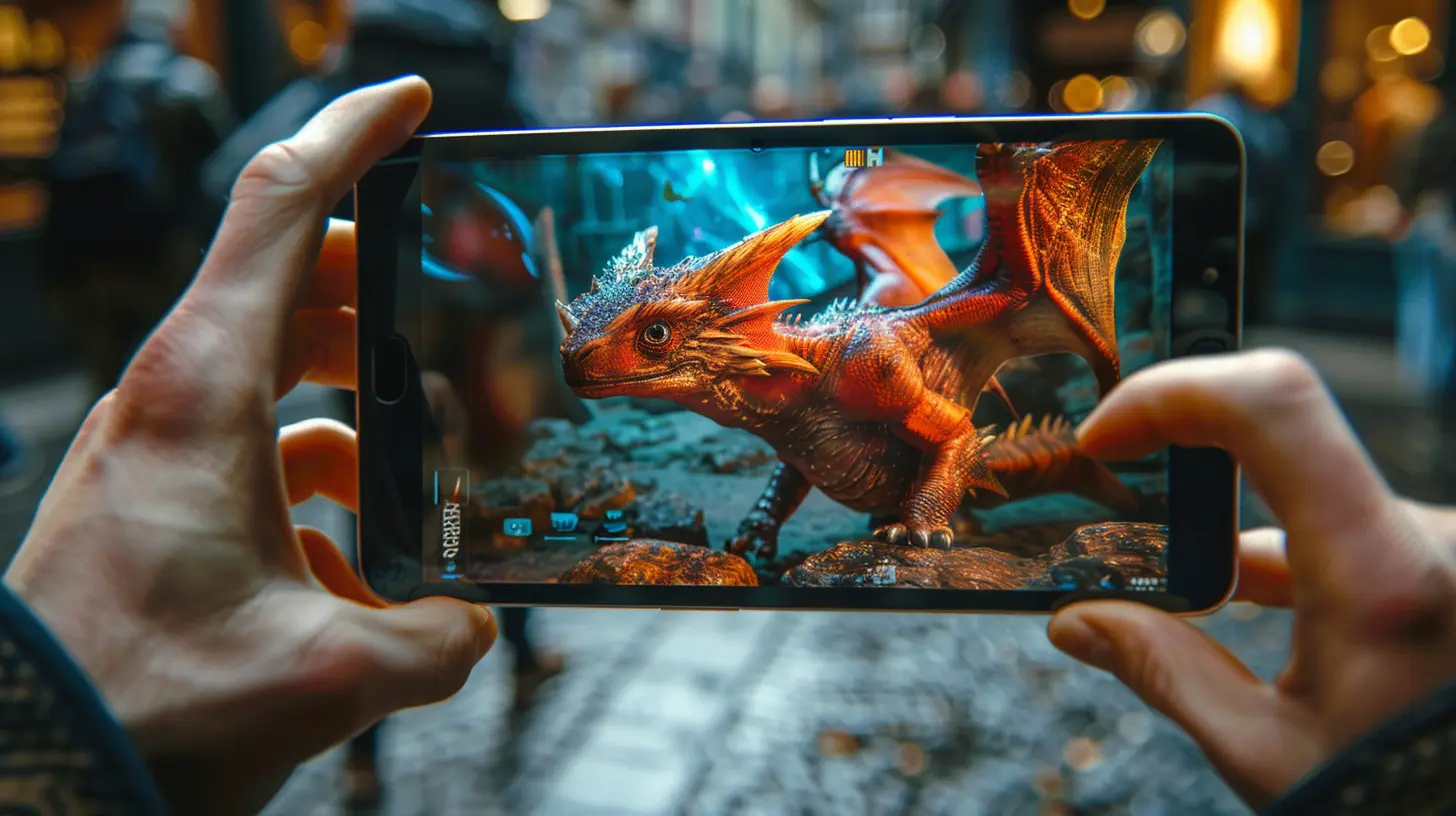
What Are Augmented Reality Games Anyway?
Before we dive into the juicy tips, let’s quickly clarify what AR games are. In simple terms, augmented reality games overlay digital elements onto the real world using your smartphone or AR glasses. Think Pokémon GO, where you're catching creatures in your neighborhood, or Minecraft Earth, where you're literally building blocky masterpieces in your backyard.Unlike virtual reality (VR), which takes you completely out of the real world, AR enhances it. It’s the perfect mix of imagination and reality—and trust me, it never gets old.
Tip #1: Start With User-Friendly AR Games
We get it. The AR world can look a bit overwhelming at first. That’s why it’s best to start off small and simple. Some AR games are more intuitive than others, which make them perfect for beginners.Here are some beginner-friendly AR games to try:
- Pokémon GO – Still a fan favorite. Great for getting the hang of location-based AR.
- Angry Birds AR: Isle of Pigs – A familiar franchise with a 3D twist.
- Harry Potter: Wizards Unite – Cast spells and find magical creatures around town.
- Knightfall AR – A historical defense game with a fun, strategic edge.
These games will help you get used to using your camera, handling GPS tracking, and interacting with 3D elements.
Tip #2: Make Sure Your Device Supports AR
Okay, this one may sound obvious, but not all devices are created equal. Augmented reality needs specific tech support to run smoothly.Here’s a quick checklist:
- ARCore (Android) or ARKit (iOS) support.
- A decent camera (you’ll need it a lot!).
- Good processing power (lag is not your friend).
- Decent battery life (AR tends to drain the juice faster).
Pro tip: Go to your app store and search for "AR support checker" if you're unsure about your device. Nothing kills the AR vibe like downloading a game that won’t even launch.
Tip #3: Charge. That. Phone.
Seriously. If you’re going on an AR adventure, your battery is going to take a hit. These apps use your GPS, camera, data, and graphics processor all at once. It’s like making your phone run a marathon while juggling flaming swords.So, here’s what you do:
- Start with a full charge.
- Carry a portable charger (lifesaver on the go).
- Turn down screen brightness when possible.
- Close background apps to keep everything running smoothly.
Your future self will thank you when you’re catching a rare digital beast and not watching the “1% battery” warning pop up.
Tip #4: Safety First, Always
AR games are incredibly immersive—that’s the point! But it’s easy to get so sucked in that you forget where you are. We’ve all seen those videos of people walking into fountains or traffic while playing AR games. Don’t be that guy.Here are some simple safety rules:
- Always stay aware of your surroundings.
- Don’t play while driving or biking.
- Be cautious in unfamiliar areas.
- Respect private property (yes, virtual monsters on someone’s lawn still count).
- Watch out for other humans. Not everyone will understand what you're doing when you're pointing your phone at their car.
Your real-world safety should always come first. The game can wait!
Tip #5: Explore With Friends
Gaming is better with others—especially AR games! Many of these apps have multiplayer features or events that encourage community interaction. Plus, everything’s more fun when you’re not doing it solo.Benefits of AR gaming with friends:
- You can take turns managing power banks.
- It’s easier to learn mechanics together.
- You’ll discover new areas as a team.
- It adds a layer of friendly competition.
Remember Pokémon GO meetups? The energy was electric, and the camaraderie was real. AR gaming has a whole social side you shouldn't miss out on.
Tip #6: Use Headphones For Full Immersion
Want to take your AR experience to the next level? Plug in your headphones. Seriously. Most AR games have sound effects, music, or even voiceovers that you might miss if you’re just using your phone's speaker.Benefits?
- Better immersion into the game world.
- You won’t disturb people around you.
- You can catch audio cues more clearly (think enemy approaching or a hidden object nearby).
It’s like turning your world into a personal movie theater — except you’re the star.
Tip #7: Play During Daylight (Whenever Possible)
While not all AR games require good lighting, most of them do. The reason? Your phone’s camera needs enough visual information to accurately map and overlay digital elements onto the environment.Playing outside during daylight equals:
- Smoother tracking.
- Fewer glitches.
- More vibrant visuals.
Of course, if you're indoors or it’s dark out, just make sure your space is well-lit. Nobody wants a game object floating off into the wall or glitching inside your pet’s bed.
Tip #8: Keep an Eye on Data Usage
AR games love munching on data. Between GPS updates, map downloads, and video overlays, your monthly plan could take a hit if you're not careful.To manage this effectively:
- Use Wi-Fi whenever possible.
- Limit game time if you’re on a tight data plan.
- Download maps or assets in advance if the game allows.
- Keep your eye on your usage stats.
You’re here for fun and games—not for surprise overage charges.
Tip #9: Customize Your Settings
Many AR games come with a handful of customization options in the settings. Tinkering with these can improve your experience tenfold.Things you might be able to tweak:
- Graphics quality (helpful for older devices).
- AR toggle (some games let you turn off AR mode if needed).
- Camera controls.
- Control schemes or gesture sensitivity.
Play around with your settings until you find the sweet spot. Comfort and usability will make your adventure smoother.
Tip #10: Stay Updated
Game developers are always adding new features, content, events, and bug fixes to AR games. If you’re not updating your app, you’re missing out—big time.Enable auto-updates or make it a habit to check the app store regularly. There’s nothing more frustrating than realizing your app is outdated right before a big in-game event.
Plus, updates usually include performance improvements. Faster = more fun!
Bonus Tip: Join Online Communities
Last but definitely not least, tap into the power of the internet. Whether it's Reddit threads, Discord servers, or Facebook groups, there's a massive online AR gaming community out there. These places can be full of:- Tips and tricks
- Event updates
- Bug reports
- Player meetups
- Hilarious AR fails (seriously, they're gold)
Joining a community not only keeps you in the loop but adds another layer of excitement to your AR journey. You might even make some lifelong friends along the way.
Wrapping It Up
So, are you ready to blur the line between reality and digital fantasy? With these tips under your belt, your journey into the world of augmented reality games should be smooth, safe, and ridiculously fun.Whether you’re chasing pixelated creatures in the park or building castles in your living room, AR gaming offers an unforgettable experience that's only just beginning to grow. The future of gaming is here—and it's walking right beside you.
So go on, get out there… and don’t forget to look up once in a while!
all images in this post were generated using AI tools
Category:
Augmented Reality GamesAuthor:

Jack McKinstry
Discussion
rate this article
2 comments
Will Stevens
Augmented reality games offer an exciting blend of the virtual and real world. Embrace the unique gameplay by exploring your surroundings and engaging fully. Don't hesitate to experiment with different titles; each offers fresh challenges and experiences worth diving into.
May 1, 2026 at 3:14 PM
Jack McKinstry
Absolutely! Exploring AR games in your own environment adds a whole new layer of fun. Each title brings something different, so trying a few is definitely worth it. Enjoy the adventure!
Kassidy Mendez
Swipe more, walk less.
April 29, 2026 at 2:31 PM
Jack McKinstry
Great tip! Balancing both can enhance your experience.